Programming RGB geometric LED lights can be incredibly rewarding, but it involves a learning curve. Many are unsure how to program RGB geometric LED lights efficiently. Understanding the fundamentals of LED programming is essential. This technology allows for artistic expression through vibrant displays.
When diving into this project, being aware of potential challenges is crucial. Mistakes may happen. Programs might not work as expected, or colors might not display correctly. It's okay; learn from these hiccups. Embrace experimentation as a way to improve your skills.
With the right approach and knowledge, you can master this fascinating craft. The following tips will guide you through effective programming techniques. They will help you create stunning RGB effects that transform your space. Through practice, patience, and creativity, the possibilities are endless.
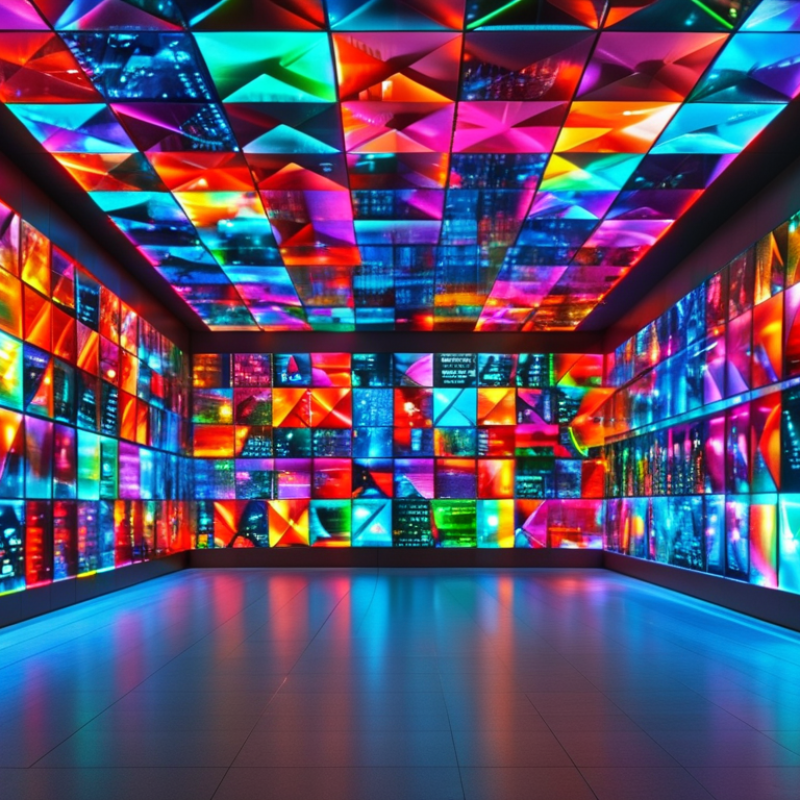
RGB LED technology has transformed lighting design, offering vibrant colors and creative possibilities. Understanding color mixing is essential for effective programming. RGB stands for red, green, and blue—the primary colors of light. By adjusting the intensity of these colors, you can create a wide spectrum of hues. According to industry data, about 75% of lighting designers leverage RGB technology to enhance their projects.
Color mixing can yield unexpected results. For instance, mixing all three colors at full intensity produces white light, but varying the levels creates different shades. It is crucial to experiment with this mixing process. Research indicates that implementing proper color calibration can improve color consistency by up to 30%. Misjudgments often arise when programmers overlook ambient lighting conditions. These factors can skew the desired output, resulting in less effective designs.
Moreover, understanding color perception is vital. Human eyes perceive colors differently under various lighting conditions. Factors such as surface texture and surrounding colors must be considered. Incorrect assumptions about color temperature and brightness may lead to flaws in the final effect. Professionals consistently emphasize the value of testing in the environment where the lights will be used. Such diligence enhances the reliability of the RGB effects created.
| Tip Number | Tip Description | Color Mixing Principle | Application Example |
|---|---|---|---|
| 1 | Choose the right RGB LED type | Additive Color Mixing | Stage lighting |
| 2 | Understand PWM control | Pulse Width Modulation | Dimming effects |
| 3 | Use color gradients for smooth transitions | Gradient Color Mixing | Ambient light settings |
| 4 | Optimize heat dissipation | N/A | Long-term usage |
| 5 | Choose suitable power supply | N/A | Home decoration |
| 6 | Implement color picking algorithms | Color Theory | Visual art projects |
| 7 | Use sensors for interactive effects | N/A | Interactive installations |
| 8 | Test and fine-tune brightness levels | N/A | Stage performances |
| 9 | Incorporate timing for dynamic effects | N/A | Light shows |
| 10 | Follow safety guidelines for installation | N/A | All installations |
: RGB LED technology uses red, green, and blue colors to create a wide range of hues. It enhances lighting design.
By adjusting the intensity of red, green, and blue, you can create various colors. Experimenting is key.
Always consider ambient lighting and surface texture. These factors can affect the final output and color perception.
Start by defining the shape. Use coding snippets to control color and brightness. Experiment with patterns for best results.
Testing in the actual environment is vital. It helps in identifying flaws and improving overall design reliability.
You can reduce energy use by up to 30% with proper programming. Implement dimming features or scheduling for optimization.
Use gradual color transitions for a soothing effect. Pulsating patterns can enhance viewer engagement, especially with music.
Timing is crucial. Fast transitions can overwhelm, while slower ones allow appreciation of colors. Adjust based on audience feedback.
Proper color calibration can improve consistency by up to 30%. Misjudgments may occur from overlooking ambient conditions.
Embrace mistakes and iteration. Trial and error can lead to innovative and exciting lighting designs.
The article "10 Tips to Program RGB Geometric LED Lights Effectively" provides a comprehensive guide on how to program RGB geometric LED lights. It begins with an introduction to RGB LED technology and the principles of color mixing, which are essential for creating vibrant lighting effects. The author emphasizes the importance of setting up a suitable development environment to facilitate efficient programming.
Additionally, the article covers the creation of basic geometric shapes using RGB LED lights and explores advanced techniques for implementing dynamic animation and transition effects. Finally, it addresses the need for optimizing performance and power consumption to ensure sustainable and effective LED projects. Overall, this guide serves as a valuable resource for anyone interested in learning how to program RGB geometric LED lights effectively.

 Xolle Light